DeWalt DCF887 Review: The Cordless Impact Driver Most Shops Reach For First
Three years into daily use, the DCF887 is still the first tool I grab when I need to drive screws. Here's the full breakdown.

Affiliate Notice: This guide contains affiliate links. We earn a commission if you buy through these links. See our disclosure.
Quick Verdict
- The DCF887 delivers 1,825 in-lbs of torque with three speed modes and a brushless motor that genuinely earns its price premium. Best for woodworkers and contractors already on the DeWalt 20V platform. If you're starting fresh, read our cordless driver comparison first.
I picked up the DCF887 as part of a kit about three years ago, expecting it to replace my aging brushed driver and mostly stay in the drawer between projects. What happened instead is that it became the most-used tool in my shop. If I'm building a cabinet, assembling a workbench, doing any kind of structural fastening — this is the tool I reach for.
Here's why it's earned that spot, and what the occasional frustrations look like.
Why Does Brushless Matter on an Impact Driver?
The jump from brushed to brushless is real and worth paying for. The DCF887's brushless motor delivers 1,825 inch-pounds of max torque (per DeWalt's official specs) and gets noticeably better battery life — DeWalt claims 57% more runtime versus brushed models, and in daily shop use that tracks roughly. I'll go a full day of assembly work on a single 2.0Ah battery, which wasn't possible with older brushed drivers.
Brushless motors also run cooler and last longer because there are no carbon brushes wearing against the commutator. The DCF887 hasn't needed any maintenance in three years of regular use. With brushed tools, you'd be watching for brush wear by now.
Are the Three Speed Modes Actually Useful?
Three speed/torque settings controlled by a rear selector:
- Mode 1 (low): 0–1,000 RPM / 0–1,600 BPM — for small fasteners and precise work
- Mode 2 (mid): 0–2,800 RPM / 0–3,000 BPM — general purpose
- Mode 3 (high): 0–3,250 RPM / 0–4,000 BPM — maximum speed and torque
In woodworking I live in Mode 1 and Mode 2. Mode 3 is for long structural screws and lag bolts into dense material. The ability to dial back speed saves an enormous amount of stripped heads and over-driven screws. This is the feature I didn't know I needed until I had it.
Mode Selection Tip
- Use Mode 1 for anything going into hardwood face grain or near edges. The slower impact rate gives you much more control and nearly eliminates blow-outs and stripped heads.
Is the DCF887 Comfortable for All-Day Use?
At 5.3 inches long and 3.4 pounds with a 2.0Ah battery, this driver is noticeably compact. It fits into tight cabinet interiors and between studs without contorting your wrist. The grip is well-shaped for an average hand — no hot spots after hours of use.
The LED work light is a strip of three LEDs around the chuck, angled to illuminate right at the bit tip. It's genuinely useful in cabinet interiors and under stairwells, not just cosmetic.
The belt clip is on the right side (reversible to left for lefties) and actually holds the tool securely. I use it constantly when climbing ladders or working overhead.
Best For
- All-day screw driving and assembly work
- Hardwood fastening where control matters
- Woodworkers and contractors already in the DeWalt 20V ecosystem
Skip If
- You mostly drill holes rather than drive screws (a drill/driver is the right tool)
- You're on Makita or Milwaukee 18V — don't switch platforms for one driver
- Light-duty use — the DCF787 is $30–40 cheaper and adequate for occasional users
Which Battery Platform Should You Buy Into?
The DCF887 runs on DeWalt's 20V MAX XR platform, which is the most important variable in the buying decision. If you already own DeWalt 20V tools, this is a no-brainer — your existing batteries work and the platform is mature, with hundreds of compatible tools.
If you're starting fresh, the platform choice matters more than any individual tool. DeWalt 20V MAX is excellent, but so is Milwaukee M18 and Makita 18V LXT. We break down the full comparison — torque, battery ecosystem, value — in our DeWalt vs Milwaukee vs Ryobi vs Makita cordless driver comparison.
The DCF887 is sold as a bare tool (body only, no battery) or in various kit configurations. If you have batteries, buy bare — you'll save $60–80. If you're building out a first kit from scratch, check our new homeowner starter kit for bundle recommendations.
How Does It Perform in Real Shop Work?
Cabinet assembly: Driving pocket screws into face frames is where this tool shines. Mode 2 speed, Kreg pocket screws, hardwood maple — no stripped heads, consistent seating depth once you dial in the driver depth stop.
Subfloor and deck work: Mode 3 handles 3-inch deck screws and structural connectors without hesitation. Long screws into PT lumber do slow it down toward the end of drive, but it finishes cleanly.
Long screws in hardwood: 2.5-inch cabinet screws into face-grain oak tested every impact driver I've tried. The DCF887 drives them cleanly in Mode 2, with the impact action preventing cam-out when the screw seats.
Use our tool comparison tool to stack the DCF887 against other impact drivers side by side.
What Are the DCF887's Weaknesses?
No integrated depth stop. You control drive depth by feel and mode selection. For pocket screws and other depth-sensitive applications, you learn to feel when the head is seated. Some drivers in this class have adjustable clutches — the DCF887 doesn't. Most experienced users prefer the pure impact driver approach, but beginners may over-drive screws initially.
1/4-inch hex only. The quick-change hex chuck accepts 1-inch or 2-inch power bits plus spade bits up to a point, but it's not a substitute for a keyless chuck drill. If you're doing any drilling beyond 3/8 inch, keep a separate drill in the rotation.
Price. At $149–$179 bare tool, it's not cheap. The DCF787 and older DCF885 deliver similar real-world performance for $30–50 less. The differences are measurable in spec testing but not always meaningful in daily use. If budget is tight, the DCF787 is the honest recommendation.
Frequently Asked Questions
Is the DCF887 compatible with all DeWalt 20V MAX batteries? Yes. It runs on any DeWalt 20V MAX battery — the compact 1.3Ah up through the FLEXVOLT 60V MAX (in 20V mode). Larger batteries add weight but extend runtime significantly.
What's the difference between the DCF887 and DCF887B? The DCF887B is the bare tool (no battery or charger). Mechanically identical — the B suffix just means you're buying the driver alone.
Does the DCF887 work for automotive use? It handles lug nuts on passenger cars in a pinch, but it's not rated for it and the 1/4-inch hex limits socket compatibility. For automotive work, a dedicated 1/2-inch or 3/8-inch impact wrench is the right call.
Bottom Line
The DCF887 delivers 1,825 in-lbs of torque with three-speed control and a brushless motor in a compact, well-balanced package. Three years of daily shop use haven't found a meaningful weakness beyond the missing depth stop. If you're on DeWalt 20V, buy it. If you're building a new kit, read the full cordless driver comparison before committing to a platform.
Shop DeWalt DCF887 on Amazon↗You Might Also Like

Best Cordless Circular Saws 2026: Pro vs DIY Models Compared
Milwaukee M18 FUEL, DeWalt 20V MAX, and Makita 18V LXT circular saws compared across power, blade size, price, and who each one actually fits.

Milwaukee Packout vs DeWalt ToughSystem 2.0 vs Ridgid Pro Gear: Modular Storage Showdown 2026
Three modular tool storage systems compared: Milwaukee Packout, DeWalt ToughSystem 2.0, and Ridgid Pro Gear. Which one belongs on your job site?
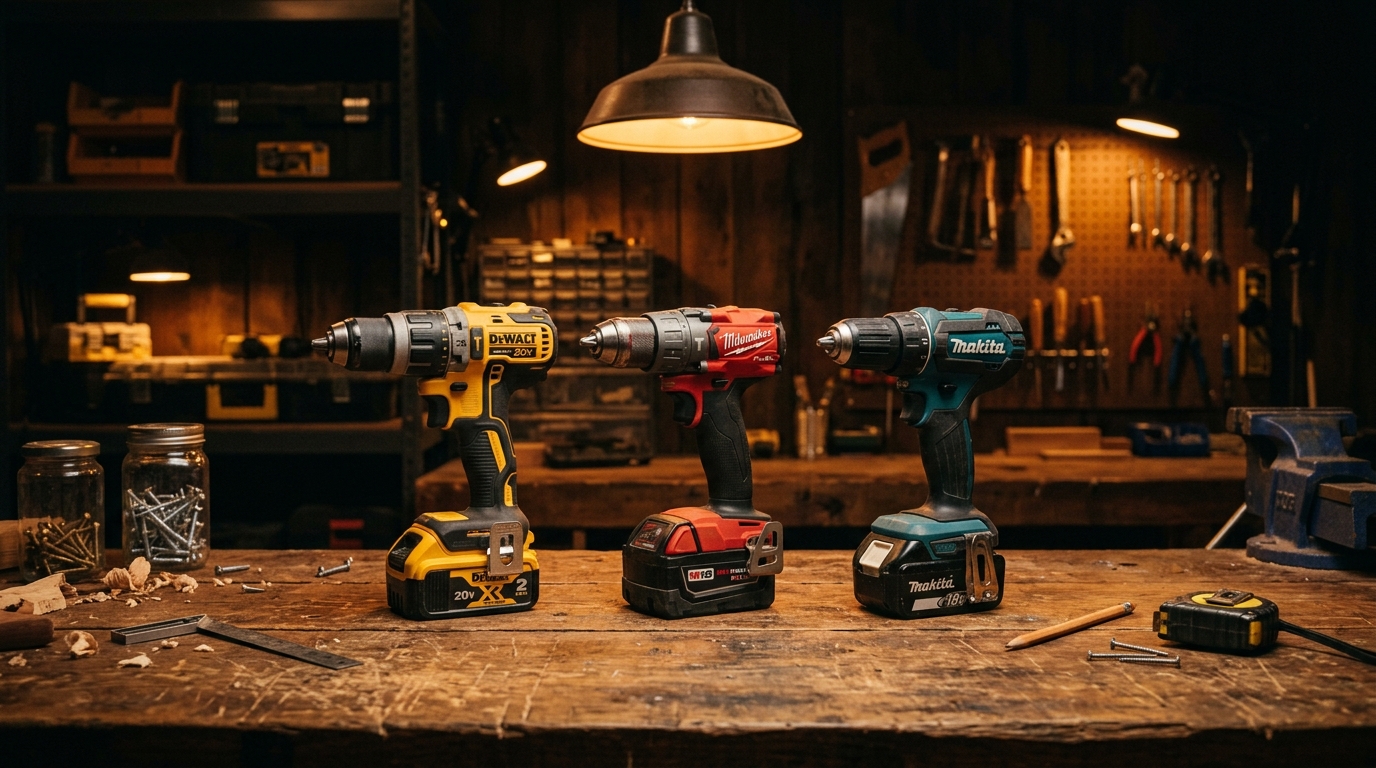
Milwaukee vs DeWalt vs Makita: Best Cordless Drill Driver Showdown 2026
We put the Milwaukee M18 FUEL, DeWalt 20V MAX XR, and Makita 18V LXT drill drivers head-to-head. Here's which one wins for pros, DIYers, and everyone in between.